
ai · flagship
BEBO the PET
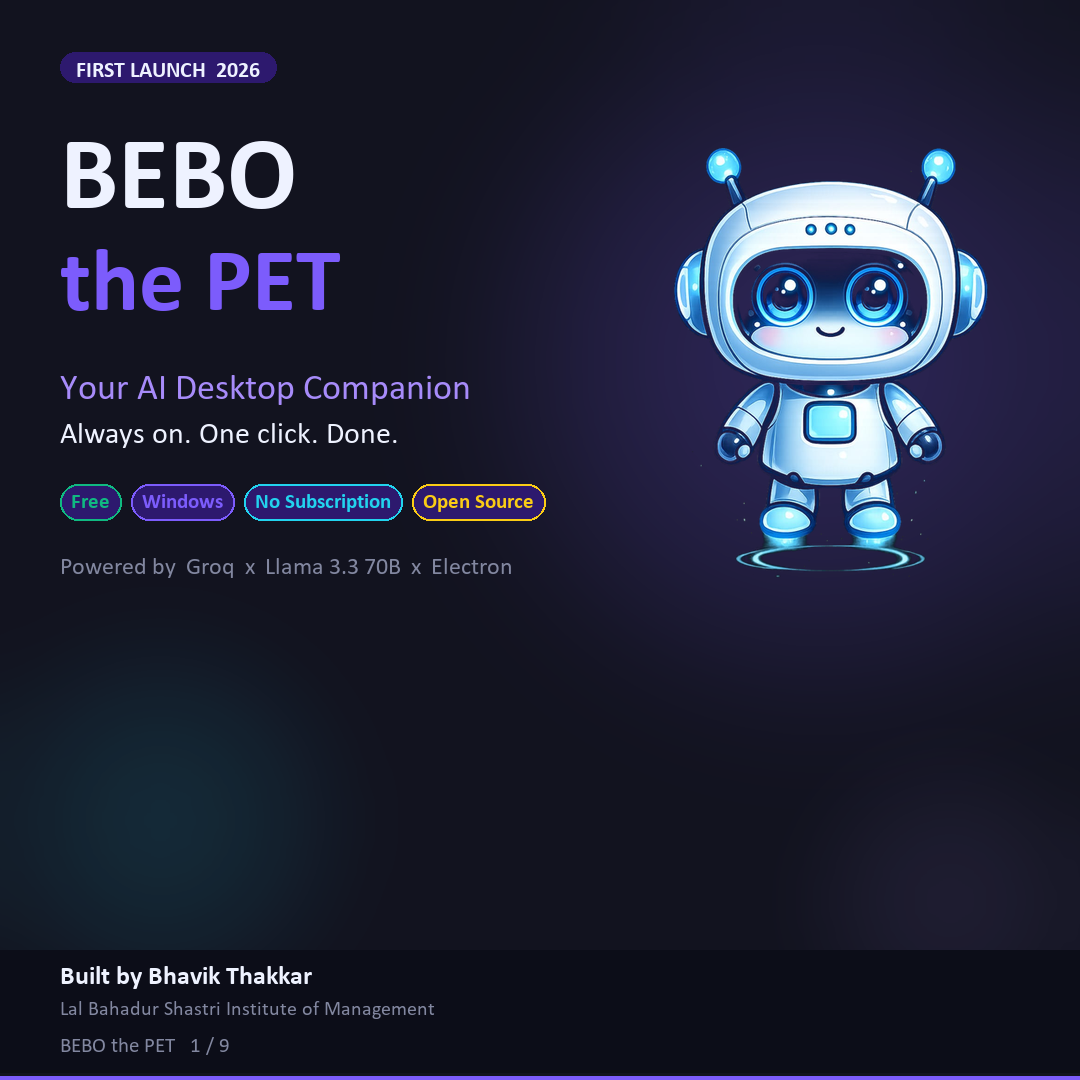
Your AI desktop companion. Always on. One click. Done.
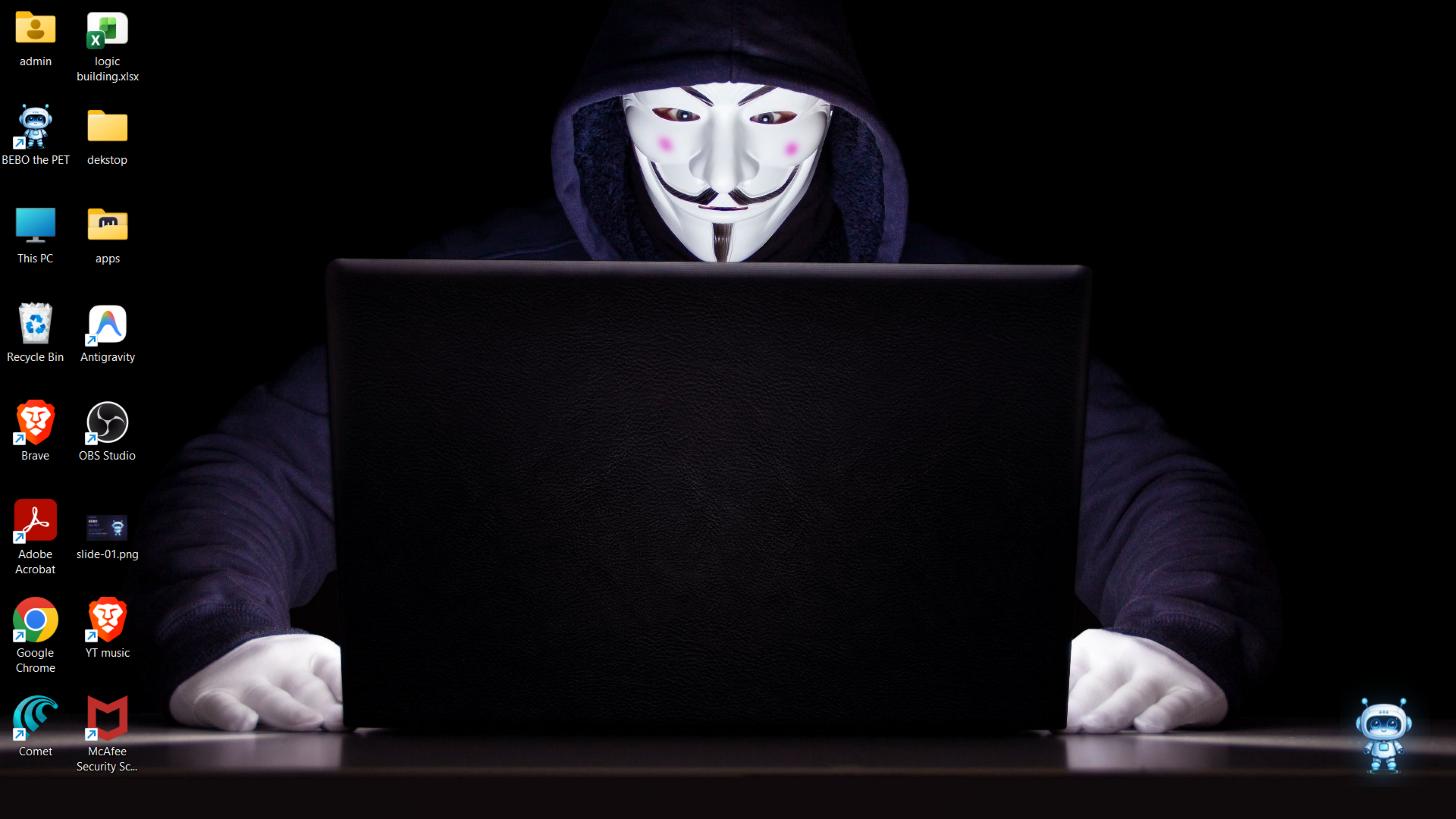
BEBO is a free, open-source AI assistant that lives on your Windows desktop as a small animated pet. Click it and a focused panel opens with the writing tasks you actually repeat — summarize, draft, fix, simplify, humanize, ask — powered by GPT-OSS 120B through Groq, with an automatic GPT-OSS 20B fallback if the primary model is ever busy. No browser, no tabs, no sign-in.
Update: BEBO originally shipped on Llama 3.3 70B. Groq is retiring every Llama model on August 16, 2026, so v2.0 migrated to GPT-OSS 120B ahead of the deadline — same free tier, same one-click workflow, just a different engine underneath.
See it in action
The problem
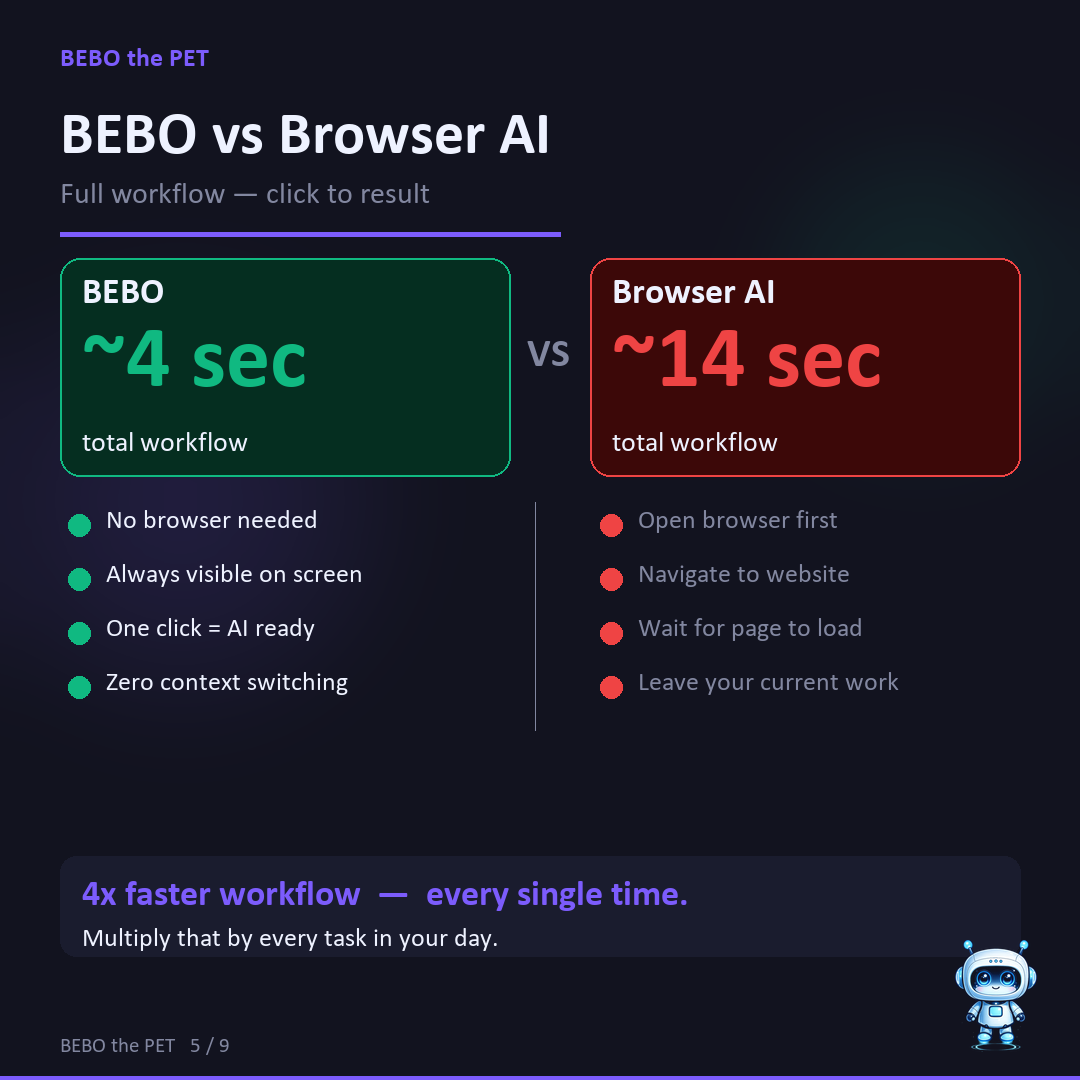
Every time you want quick AI help, you pay a tax: open a browser, find the right tab, sign in, paste your text, wait, copy the result back. It's only about thirty seconds — but you pay it a dozen times a day, and it breaks your focus every single time.
What BEBO does
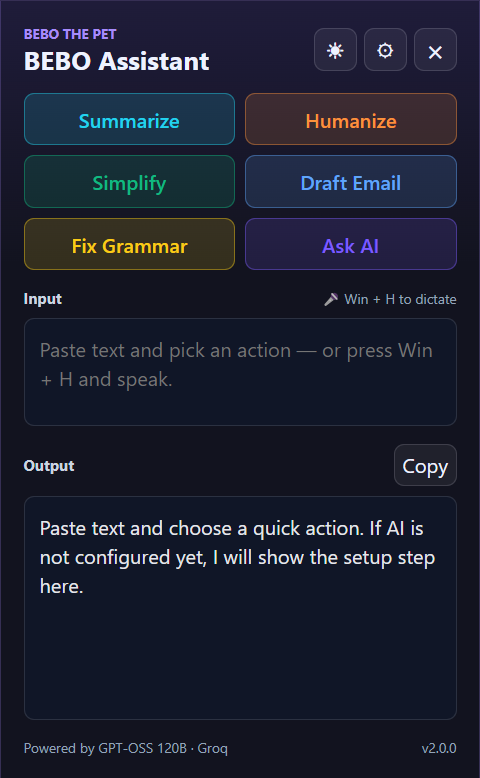
BEBO collapses that to one click. It sits on your desktop as a small pet; clicking it opens a compact panel built around the tasks people actually repeat:
- Summarize — turn long text into a clear, short summary
- Draft Email — turn notes or intent into a professional email
- Fix Grammar — clean up grammar, spelling, and punctuation
- Simplify — rewrite complex text in plain language
- Humanize — make robotic AI text sound natural
- Ask AI — a general prompt for when the fixed tools don't fit
How it's built
BEBO is an Electron app with two windows: a transparent, always-on-top pet, and an assistant panel that opens beside it. They talk over IPC — the panel sends your input to the main process, which calls the Groq API and returns clean plain text to the UI. The frontend is deliberately vanilla HTML, CSS, and JavaScript: for a desktop utility, speed and reliability matter more than framework complexity.
- Electron + Node.js — the native desktop shell
- Groq API + GPT-OSS 120B, with automatic GPT-OSS 20B fallback — inference
- Two-window architecture (pet + panel) wired over IPC
- contextIsolation on, nodeIntegration off
- MIT licensed, with a GitHub Actions CI build pipeline
The prompt engineering
Each action is its own tuned prompt — structured as Role → Objective → Context → Instructions — with a temperature calibrated to the task: 0.05 for Fix Grammar (near-deterministic), up to 0.65 for Humanize (more creative). Every response runs through a stripMarkdown() step so the output drops cleanly into whatever you were already writing.
A decision I cared about
I deliberately did not make BEBO another giant chatbot window. The panel stays focused on repeated micro-tasks — 'summarize this', 'make this email sound professional', 'fix this paragraph'. That constraint is the product: it keeps BEBO fast, light, and something that respects your attention instead of competing for it.
Why Groq + GPT-OSS
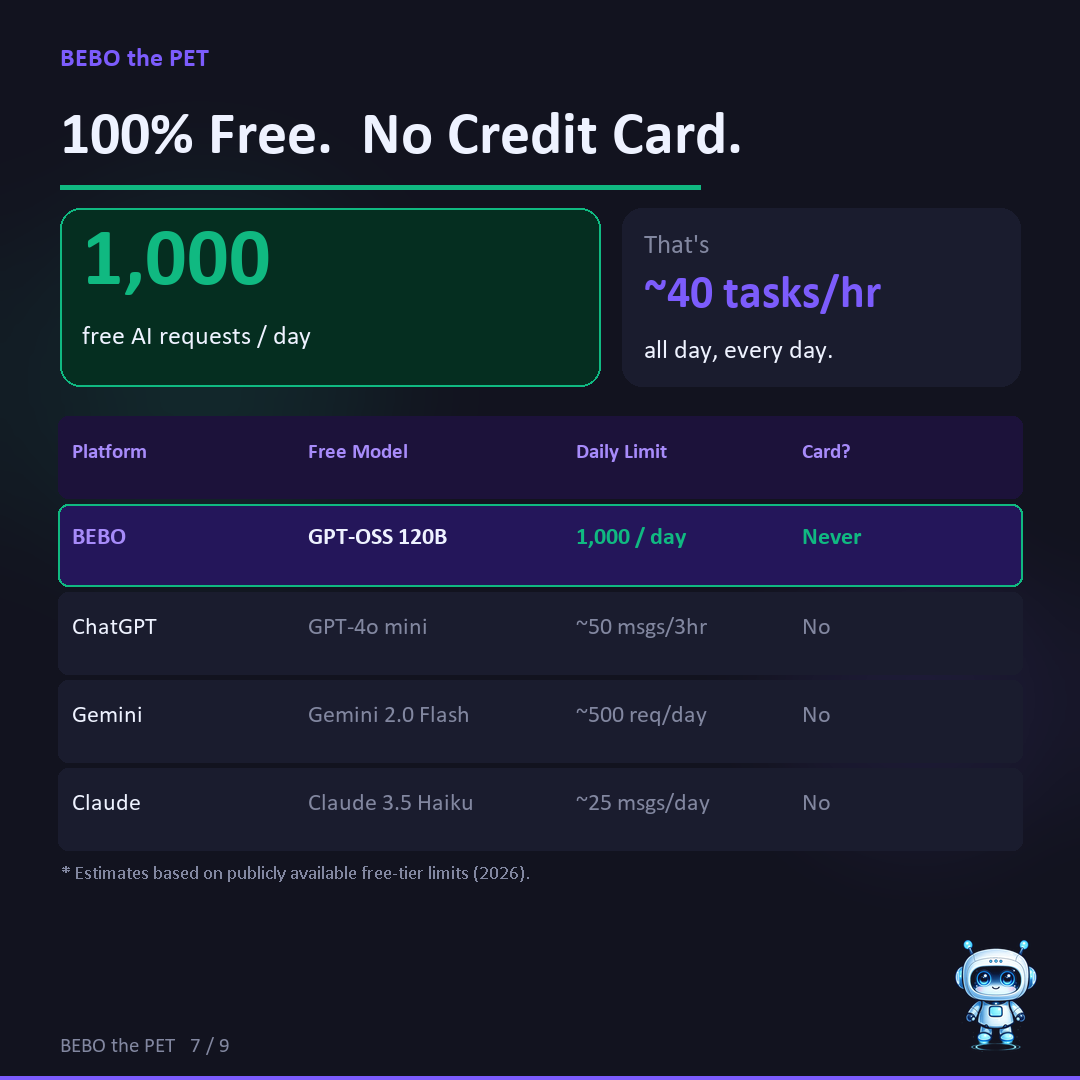
BEBO isn't trying to be the smartest AI — it's trying to be the most usable one. Groq's LPUs run GPT-OSS 120B at roughly 500 tokens per second, about 5× faster than GPT-4o, so a typical task finishes in about a second. The free tier allows 1,000 requests a day — still far more headroom than the big chat apps' free tiers (Gemini's is around 20 a day) — and the 20B fallback runs on a separate quota, so a busy primary model never turns into a dead button. Fast, free, and one click away beats marginally smarter but ten clicks and a login away.
What v2.0 added
v2.0 was not a cosmetic release — it was forced by an upstream deprecation and shipped as a chance to fix everything the first version left rough:
- GPT-OSS 120B with an automatic 20B fallback, replacing Llama 3.3 70B
- Colour-coded action buttons — each of the six tools has its own accent
- Dark / light theme toggle that remembers your choice
- Remappable global shortcuts — all three, changed from inside the app
- Voice input through Windows' own dictation (Win + H) — no new API, no new cost
- Multi-monitor support — BEBO wakes on whichever screen you are actually using
- In-app update checker with a "What's new" popup
- MIT license and a GitHub Actions build pipeline (SignPath code signing next, to clear the Windows SmartScreen warning)
- An anonymous, opt-out install counter — and honest disclosure to match it
The telemetry decision
v1 claimed "zero telemetry". When I added an install counter in v2, the honest move was not to quietly keep the old claim — it was to change every place it appeared. BEBO now says exactly what it sends: a version number and a random id, once a day, never your text or anything personal. It is a single tick-box in the settings panel to turn off. A counter is worth having; a claim you have quietly outgrown is not.
What I learned
Desktop AI needs a different rhythm than web AI: if opening the tool feels heavy, people just go back to the browser. And in Electron, the small product details — panel positioning, always-on-top behaviour, global shortcuts, clean IPC boundaries — are most of what makes an app feel polished instead of like a web page in a wrapper.
- Watch your dependencies: Groq announced it was retiring every Llama model on 16 August 2026. BEBO ran on one of them. Finding that before users did was the difference between a planned migration and a dead app.
- Migrate with a fallback, not a hard cutover: shipping a primary model plus an automatic second one meant the switch had a safety net instead of a single point of failure.
- Ship the docs with the code: a model migration touches the README, the website, the FAQ, the carousel, the deck, and the app's own footer. Updating the code and leaving the marketing stale is its own kind of bug — and the one people actually see.
- Shortcut choices are product choices: the default hide key moved to Ctrl+Shift+B specifically so Windows' Win+H voice typing stayed free.